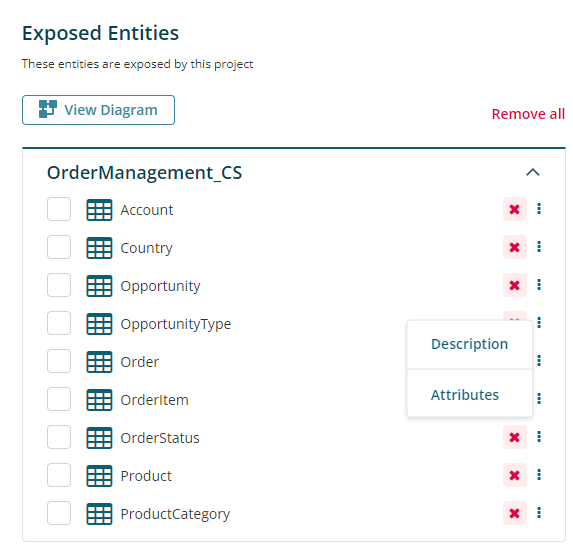
Add the first Entity to your Project. Then go to Project Details → Entities tab → Click on the 3 vertical dots (the menu) next to the Entity name and click Attributes.
The popup will display the foreign key relations in the Data Type field.



Add the first Entity to your Project. Then go to Project Details → Entities tab → Click on the 3 vertical dots (the menu) next to the Entity name and click Attributes.
The popup will display the foreign key relations in the Data Type field.